Connecting a Shopify Store
Adapted from How to Hook Up a Shopify Website to Pulse eCommerce and How to Set Up Shopify Permissions on leahyconsulting.com.
Pulse eCommerce connects to Shopify through a Shopify custom app named Pulse eCommerce — under the hood it is simply an API connection between your store and the import software.
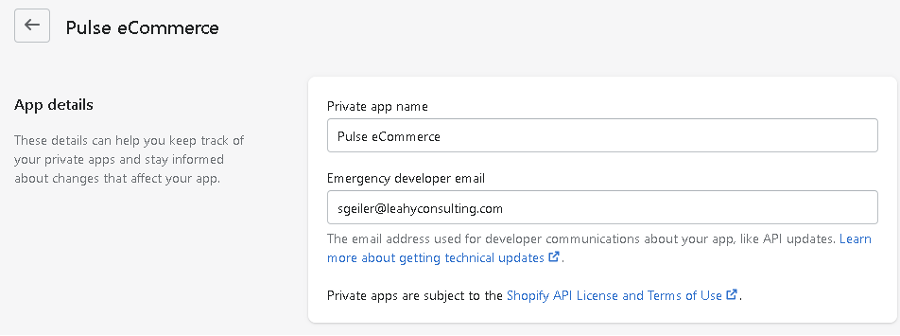
Setting up the app permissions
- Have the store owner make you a Shopify Admin.
- In Shopify, click the settings icon at the lower left, then Apps and sales channels, and at the upper right click Develop apps.
- Find the app called Pulse eCommerce.
- On the Configuration tab, click the edit button under Admin API integration.
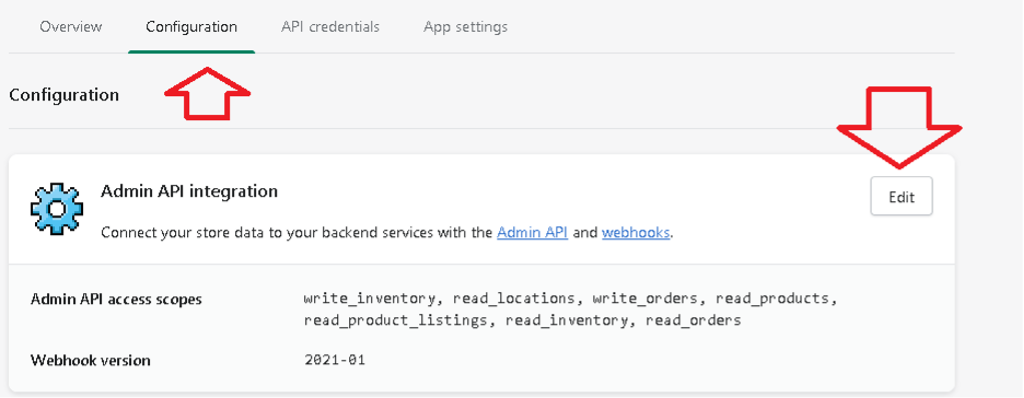
A typical installation grants these Admin API access scopes: read_orders, write_orders, read_products, read_product_listings, read_inventory, write_inventory and read_locations. Our team will confirm the exact set your installation needs.
Tip
Setting up a new store? The original articles include the full illustrated walk-through, and our team will gladly do the setup with you — call (513) 723-8095.
Related connections
Shipping through ShipStation? See How to Set Up the ShipStation Product with eCommerce on leahyconsulting.com.